
How to Top Up Free Fire Diamonds in Bangladesh
TopupAim Team · Updated
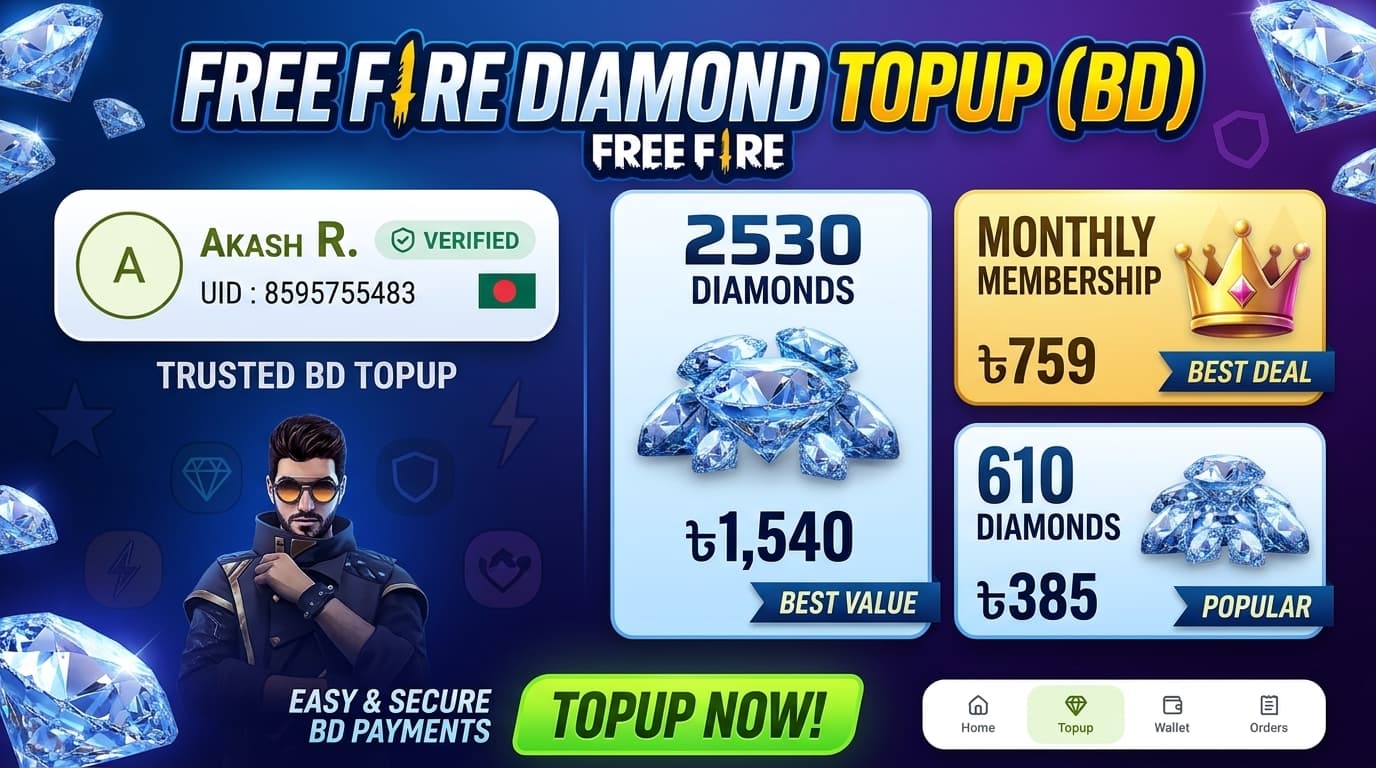
To top up Free Fire diamonds in Bangladesh, open the Free Fire diamond top up page on TopupAim, enter your UID, check that your in-game name appears, choose your diamond pack, and pay with bKash, Nagad or Rocket Send Money. You don't need an account, and you never share your game login or password.
The whole process takes a few minutes. This guide walks through each step and what to do if something goes wrong.
What you need
- Your Free Fire UID. This is your Player ID, 8 to 12 digits.
- A bKash, Nagad or Rocket account with enough balance for your pack.
- The phone number you will send money from. TopupAim matches your payment by this number and the exact amount.
How to find your Free Fire UID
- Open Free Fire and tap your profile picture at the top left.
- Your UID is the number under your nickname.
- Tap it to copy it, or write it down carefully. One wrong digit sends diamonds to someone else.
Step 1: Enter your UID and check the name
Open Free Fire diamond top up and type your UID in the Enter UID box. TopupAim checks it and shows the in-game name of that account.
Make sure the name is yours before you continue. If it isn't, fix the UID. You can't pay until the UID is verified, so you never pay for the wrong account by accident.
Step 2: Choose your diamonds
Pick one or more packs. Diamond packs start at 115 diamonds, and the page also has Weekly Lite, Weekly Membership and Monthly Membership. The Total at the bottom shows exactly what you will pay.
Prices change with offers, so always check the live price on the top-up page. For passes, see Free Fire Level Up Pass.
Step 3: Choose how to pay
Under Pay via, pick bKash, Nagad or Rocket, then type the phone number you will send money from. Tap Next.
- Paying as a guest: you don't need an account. Your order is kept on this device.
- Signed in: your TopupAim wallet balance is used first, and you only send the rest.
Step 4: Send Money and wait for the match
TopupAim shows the number to send money to and the amount.
- Open your bKash, Nagad or Rocket app.
- Choose Send Money, not Payment or Cash Out.
- Send the exact amount shown, from the number you entered.
- Go back to TopupAim and keep the page open. It shows Listening…, then Payment found… when your money arrives.
If you send less than the total, the page tells you how much more to send. If time runs out after you have already paid, your money is safe: it goes to your TopupAim wallet, or support can sort it out.
After you pay
Your order appears with an Order ID. Most top-ups land in your Free Fire account within a few minutes, and you can follow the status on Orders. If one item in an order fails, its price goes back to your TopupAim wallet automatically.
If something goes wrong
- Wrong UID: message support right away with your Order ID. Top-ups to a confirmed UID can't be reversed once delivered.
- Paid but nothing happened: keep your bKash, Nagad or Rocket transaction ID and contact support on WhatsApp or Messenger.
- Diamonds not in your account: check the order status on Orders first, then contact support with your Order ID.
Top up now
Ready? Go to Free Fire diamond top up, or see everything for Free Fire on the Free Fire top up page.